What Happens to Your Practice’s Phones When the Internet Goes Down?
Your Internet Goes Down. Your Patients Still Need to Reach You. What’s Your Backup Plan?
Imagine it’s a busy Monday morning at your medical practice.
Your front desk is answering calls, patients are scheduling appointments, and staff members are coordinating with providers.
Suddenly, your internet connection goes down.
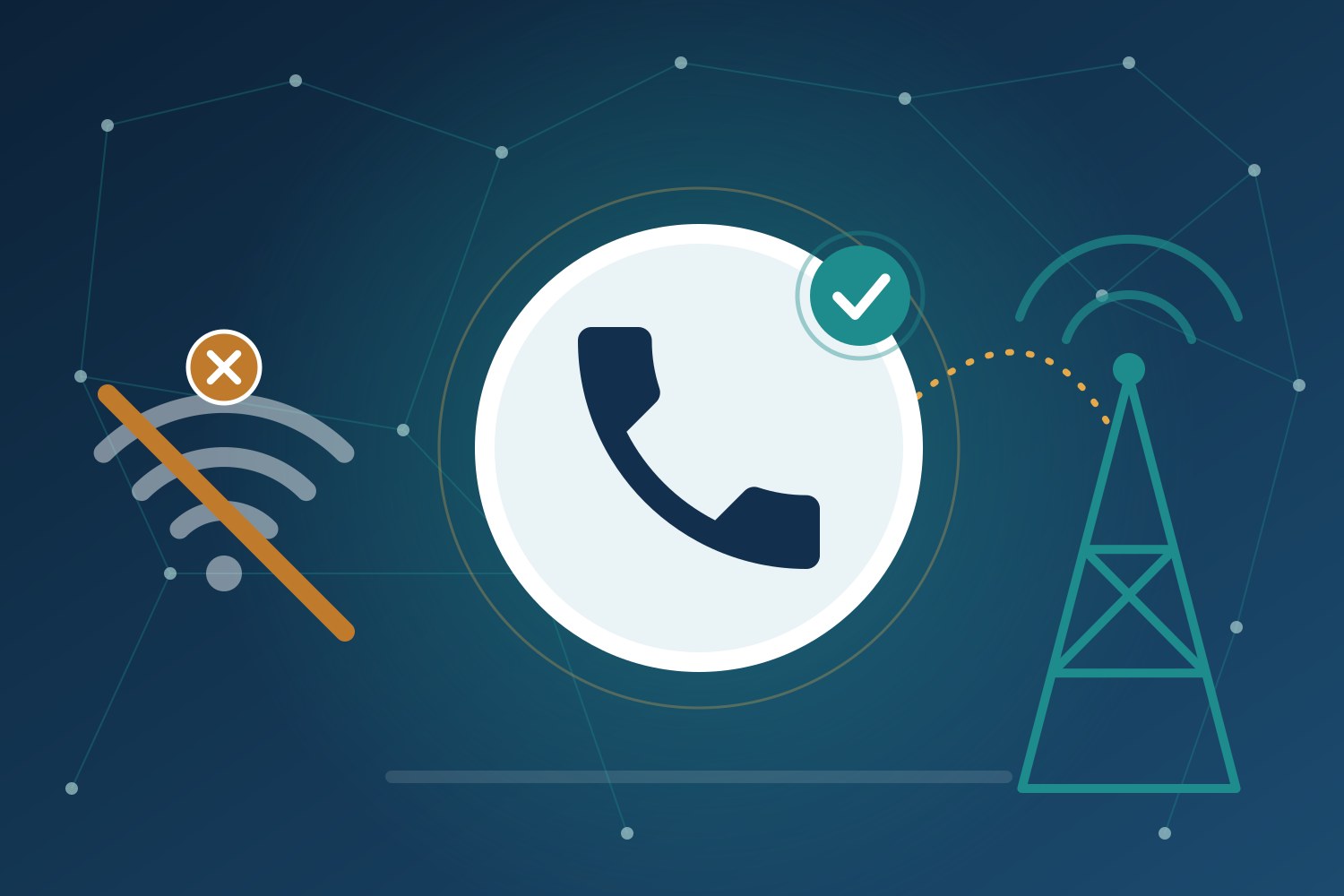
Your computers lose connectivity, your cloud-based applications become unavailable, and depending on your phone system, your office phones may stop working.
Now imagine a patient trying to reach your practice to discuss an urgent medical concern, confirm an appointment, or request a prescription refill.
What happens to that call? Does it go to voicemail? Does it ring endlessly? Is it automatically redirected to another location or an authorized staff member?
Or does the patient simply hear a message that your number is unavailable?
At Liberty Bell Telco, we help medical practices evaluate their communications infrastructure and develop solutions that keep them connected when unexpected disruptions occur.
The good news? With proper planning, an internet outage doesn’t have to mean your patients lose the ability to reach your practice.
1Understand What Happens to Your Phone System During an Outage
Not all phone systems respond to internet outages the same way.
Many medical practices have transitioned to cloud-based phone systems, commonly called VoIP (Voice over Internet Protocol) or UCaaS (Unified Communications as a Service).
These systems offer tremendous flexibility, advanced features, and often lower operating costs than traditional telephone systems.
However, office phones that depend on your internet connection can lose service when that connection fails.
The important distinction is that your cloud phone service may still be operational even when your office internet isn’t.
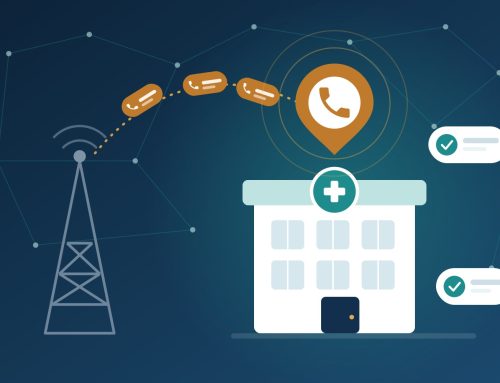
Depending on your provider and configuration, incoming calls may still be routed to:
Another practice location
A designated staff member’s mobile phone
An answering service
A cloud-hosted voicemail system
An alternate call queue or emergency routing destination
2Have a Backup Internet Connection
One of the most effective ways to reduce communications disruptions is to have a secondary internet connection.
This is commonly referred to as internet redundancy.
For example, your practice might use a primary fiber or cable internet connection with a secondary connection from another provider.
If the primary connection fails, properly configured network equipment can automatically transition supported services to the backup connection.
Backup options may include:
A secondary fiber or cable circuit
Business-class fixed wireless internet
4G LTE or 5G cellular connectivity
An SD-WAN solution that manages multiple internet connections
SD-WAN (Software-Defined Wide Area Networking) technology can help manage connectivity across multiple circuits and provide automated failover.
For medical practices that rely heavily on cloud-based applications and phone systems, this can be an important part of a business continuity strategy.
Keep in mind that a backup circuit should ideally use a different network path or provider infrastructure. Two connections that share the same underlying infrastructure may be affected by the same outage.
3Create an Emergency Call Routing Plan
Even with redundant internet connections, it’s important to have a separate plan for managing incoming patient calls.
What if both internet connections fail?
What if your office experiences a power outage?
What if staff cannot access the building?
A well-designed cloud phone system can provide alternative routing options that help keep patient calls connected.
Consider establishing a call routing plan that includes:
Primary routingCalls follow your normal office workflow.
Internet outage routingIncoming calls automatically redirect to an alternate destination when the phone platform detects an outage.
After-hours routingCalls follow your established answering service or on-call procedures.
Extended disruption routingCalls can be redirected to another location or designated team.
For healthcare practices, it’s especially important to determine how urgent patient calls will be handled and who is responsible for responding.
Any alternate routing, voicemail, messaging, or answering service should be reviewed for appropriate patient privacy and security safeguards.
4Test Your Backup Plan Before You Need It
Here’s something many organizations overlook:
Having a backup plan and knowing that it works are two very different things.
Your practice may have automatic call forwarding, a secondary internet connection, or an alternate answering service.
But when was the last time anyone tested those systems?
A simple, coordinated test can reveal issues before a real outage occurs.
Your practice should periodically verify:
Does the secondary internet connection activate when the primary connection fails?
Do your phones reconnect successfully?
Can patients still reach your main published telephone number?
Are calls directed to the correct staff members or answering service?
Can authorized staff retrieve voicemail messages?
Does the system return to normal operations when connectivity is restored?
Tests should be coordinated with your IT team and telecom provider to minimize disruption to patient care.
5Don’t Forget About Power Outages
Internet redundancy is important, but what happens when your building loses power?
Your phone system, network switches, routers, firewalls, and wireless equipment may all require electricity to operate.
A backup internet connection won’t help your office phones if the equipment supporting them has no power.
Depending on your practice’s needs, consider:
Uninterruptible power supplies (UPS) for critical network equipment
Battery backup for essential connectivity devices
Cloud-based call routing that operates independently of your office equipment
Mobile applications that allow authorized staff to receive business calls remotely
Documented procedures for extended power outages
It’s also important to understand that emergency calling capabilities, including 911, may be affected during internet or power disruptions. Mobile and remote phone use should be reviewed for proper emergency calling configuration.
6Consider the True Cost of Lost Communications
When a medical practice loses its ability to communicate, the impact goes beyond inconvenience.
An outage can affect:
Patient appointment scheduling
Prescription refill requests
Communication between staff and providers
Referrals and coordination with other healthcare organizations
Patient satisfaction and confidence
Daily practice operations and revenue
While the financial impact varies by practice, the operational consequences can be significant.
The question isn’t simply how much a backup connection costs.
It’s also what an extended communications outage could cost your practice.
For many medical offices, a properly designed backup solution is a practical investment in business continuity and patient accessibility.
How Liberty Bell Telco Helps Medical Practices Stay Connected
At Liberty Bell Telco, we understand that reliable communications are essential to the daily operations of a medical practice.
As an independent, supplier-agnostic telecom agency, we work on behalf of our clients, not the carriers.
We help healthcare practices evaluate their existing phone and internet services, identify potential points of failure, and explore solutions designed around their operational needs.
Our services include:
Phone system assessments and call routing design
Primary and secondary internet connectivity
SD-WAN and automatic failover solutions
Business continuity planning for communications
Coordination with IT providers and service carriers
Ongoing telecom support and provider advocacy
Our goal isn’t to sell technology your practice doesn’t need.
It’s to help you understand your options, make informed decisions, and have a dependable resource when questions or problems arise.
The Best Time to Prepare for an Outage Is Before It Happens
Internet outages can happen for many reasons, including equipment failures, construction damage, service provider disruptions, and power interruptions.
You may not be able to prevent every outage.
But you can prepare for how your practice responds.
Start by asking one simple question:
If our internet went down right now, would our patients still be able to reach us? If you’re unsure of the answer, it’s time to review your communications backup plan.
Let Liberty Bell Telco Help
Liberty Bell Telco offers complimentary telecom assessments to help medical practices evaluate their phone and internet services, identify vulnerabilities, and explore reliable backup options.
Whether you have one office or multiple locations, we can help you develop a communications strategy that supports your staff and keeps patient access a priority.
Don’t wait for an outage to discover your backup plan doesn’t work. Visit www.libertybelltelco.com to connect with Liberty Bell Telco.